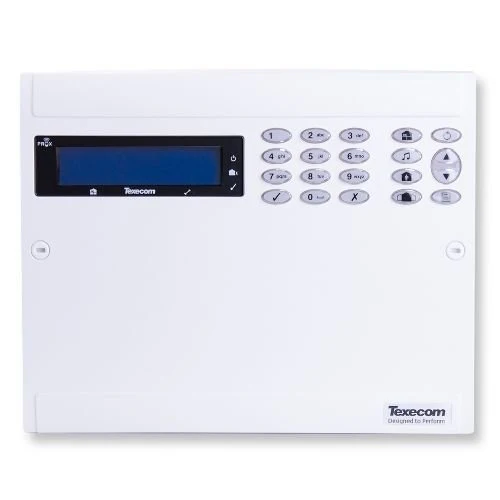
Texecom8XP
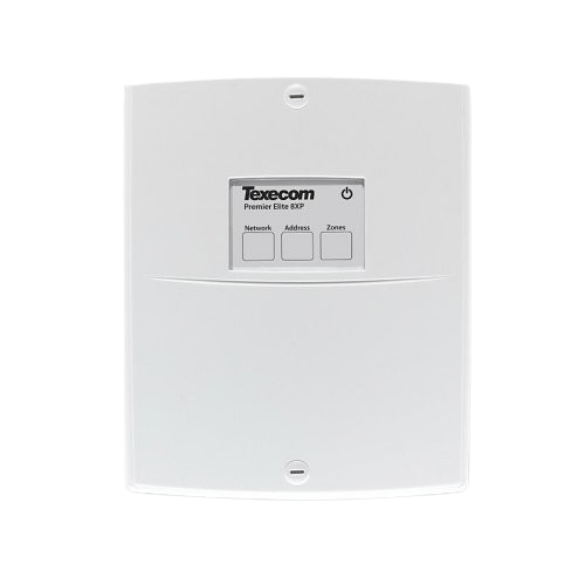
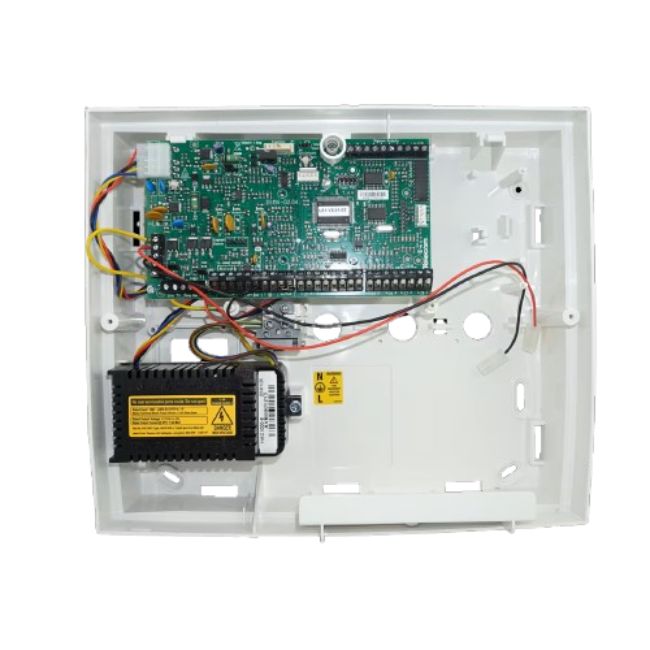
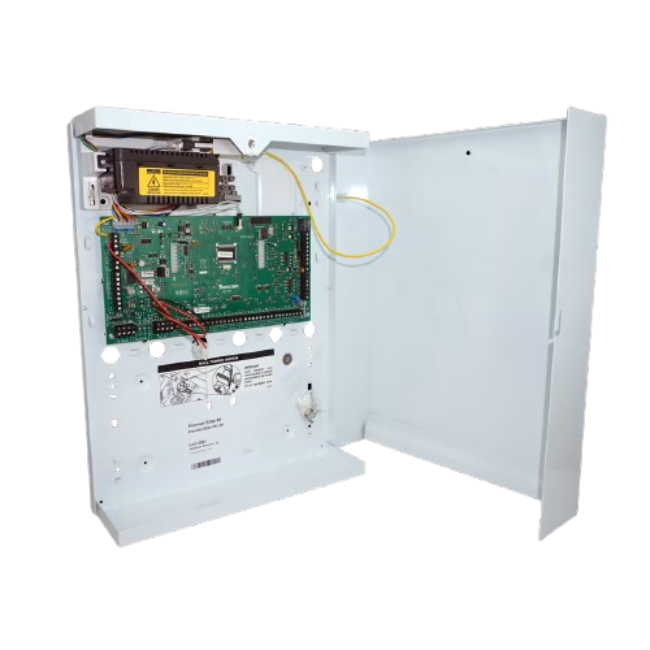
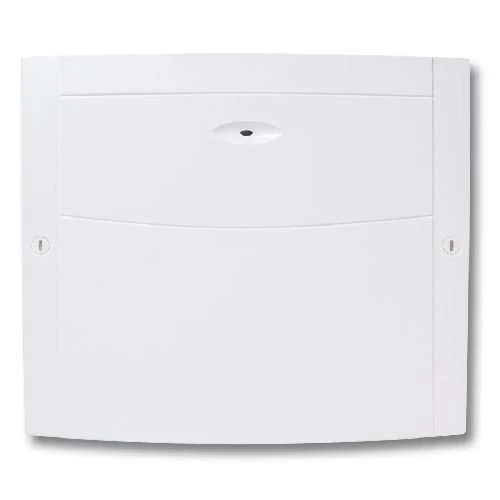
8 Zone Expander CCB-0001

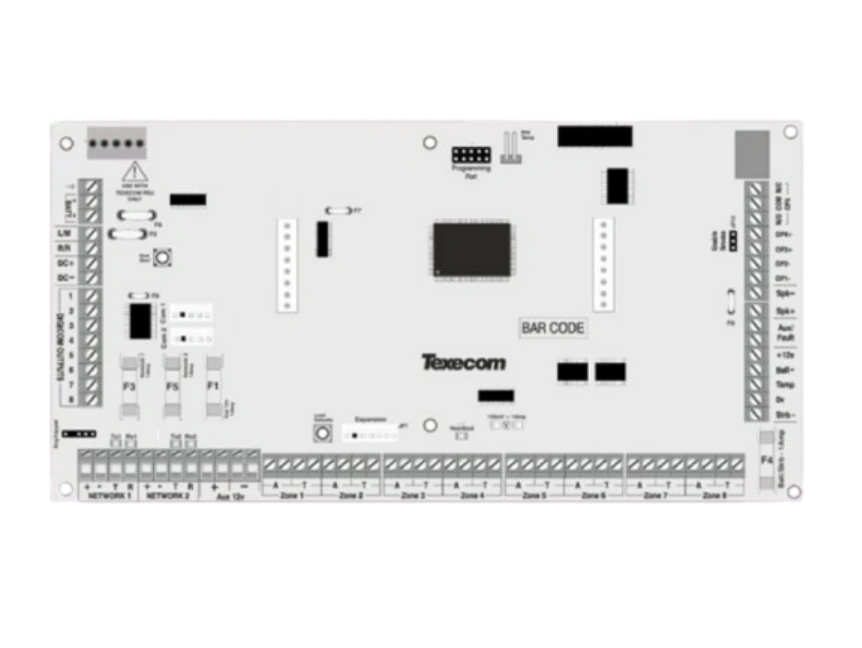
8XP 8 Zone Network Expander

Features

8 Zone Network Expander
For use Premier & Premier Elite Alarm Panel Series
Adds additional 8 programmable Double Pole or EOL zones.
Connects to Panels Network.

Buy it Now Quantity

8XP
8 Zone Expander is currently out of stock.
Please request a quote

Request Quote Quantity

8XP<br>8 Zone Expander Compatible with All Premier/ Premier Elite Panels

Buy it Now Quantity

Premier Elite 24 Polymer Alarm Panel is currently out of stock.
Please request a quote

Premier Elite 24 Metal Alarm Panel is currently out of stock.
Please request a quote

Premier Elite 48 is currently out of stock.
Please request a quote

Premier Elite 88 is currently out of stock.
Please request a quote

Premier Elite 168 is currently out of stock.
Please request a quote

Premier Elite 640 is currently out of stock.
Please request a quote

Premier Elite 64-W is currently out of stock.
Please request a quote

Premier Elite 64-W LIVE is currently out of stock.
Please request a quote

Request Quote Quantity

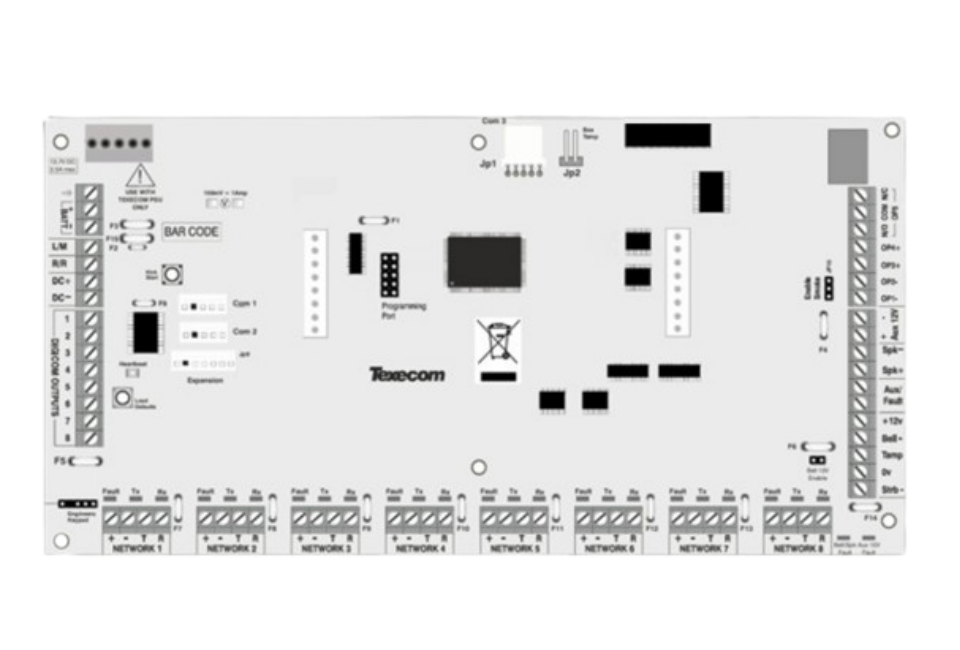
Premier Elite 24 Polymer Alarm Panel Max 2 x 8 Zone Expanders & 4 remote keypads can be added
Premier Elite 24 Metal Alarm Panel Max 2 x 8 Zone Expanders & 4 remote keypads can be added
Premier Elite 48 Max 4 x 8 Zone Expanders & 4 remote keypads can be added
Premier Elite 88 Max 8 x 8 Zone Expanders & 8 remote keypads can be added
Premier Elite 168 Max 16 x 8 Zone Expanders & 16 remote keypads can be added (8 per network)
Premier Elite 640 Max 64 x 8 Zone Expanders & 64 remote keypads can be added (8 per network)
Premier Elite 64-W Max 4 x 8 Zone Expanders & 4 remote keypads can be added
Premier Elite 64-W LIVE Max 4 x 8 Zone Expanders & 3 remote keypads can be added

Support For the 8XP Zone Network Expander

Video/Phone Support

Wiring Diagrams

Texecom Support

Notes For the8XP
8 Zone Expander CCB-0001

Adding Expanders may require additional power if the current draw exceeds network supply of 1A for all that is connected to the network when in alarm.

It is recomended to use a monitored power supply like the PSU200 2.5A Monitored PSU,


Zone numbers are dependant to the Network they are attached to and the address the expander is set to:-

Elite Panels 24,48,88
Network 1 Address 1 = Zones 9-16, Address 2 = Zones 17-24 etc.

Elite Panels 64-W & 64-W Live
Network 1 Address 5 = Zones 41-48, Address 6 = Zones 49-56 etc
(note the built in wireless expander uses Addresses 1-4)

Elite Panels 168
Network 1 Address 1 = Zones 9-16, Address 2 = Zones 17-24
Network 2 Address 1 = Zones 73-80, Address 2 = 81-88 etc

Elite Panels 640
Network 1 Address 1 = Zones 1-8, Address 2 = Zones 19-16
Network 2 Address 1 = Zones 65-72, Address 2 = 73-80 etc

It is recomended that only competant people install and maintain Security systems.